
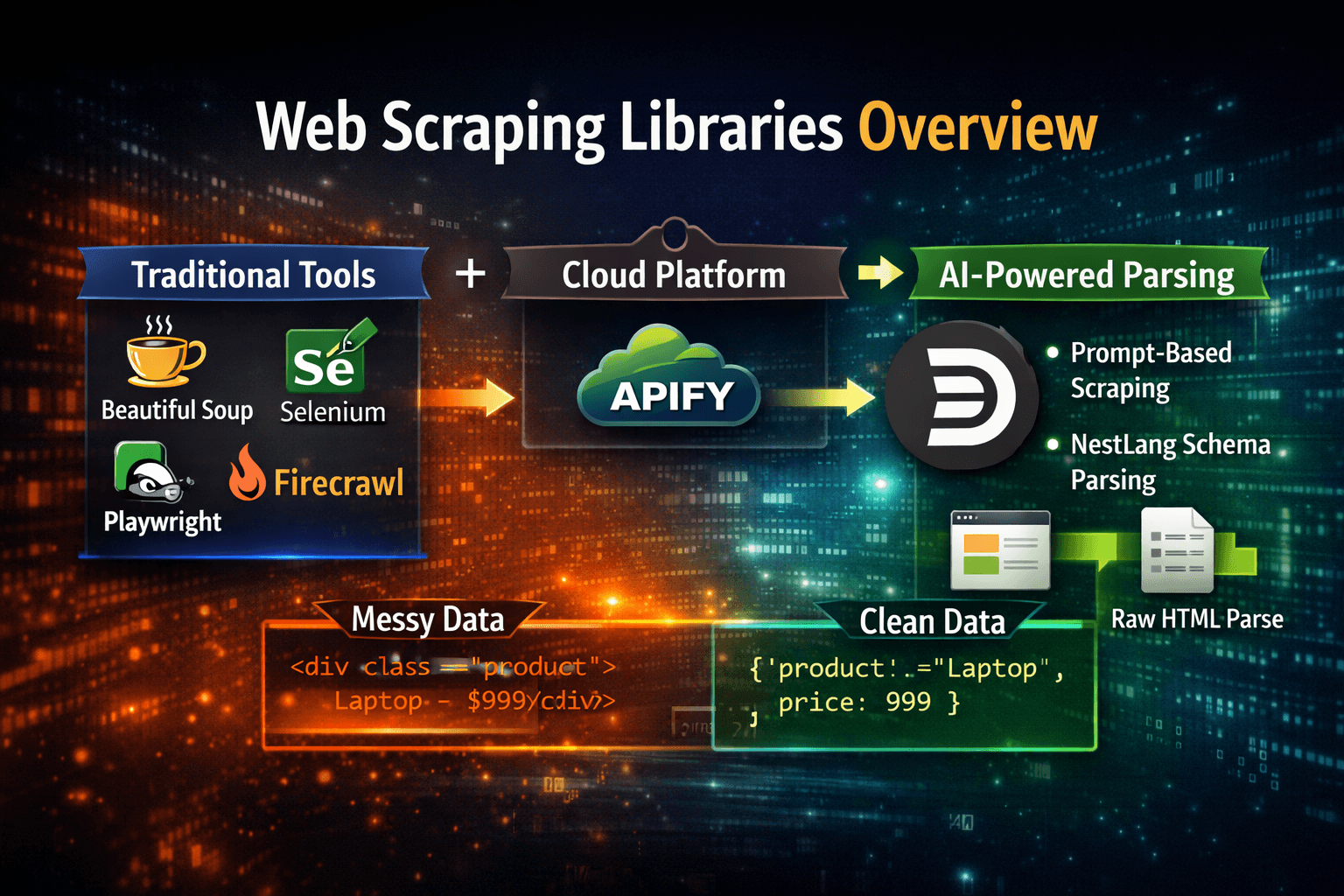
Web scraping has grown from simple HTML parsing to full browser automation, and now into AI‑driven parsing layers. Developers today can choose between traditional libraries, cloud platforms, and new AI‑powered tools. In this article, we’ll explore the most popular web scraping libraries, their strengths and weaknesses, and show how Divparser is redefining the space with prompt‑driven and NestLang schema parsing.
🐍 Beautiful Soup
Language: Python, JavaScript, Java, C#
Strengths: Full browser automation, handles JavaScript.
Weaknesses: Heavy, slow, resource‑intensive.
Use Case: Testing workflows or scraping sites that require user interaction.
How to Use
from bs4 import BeautifulSoup
import requestshtml = requests.get("https://example.com/products").text
soup = BeautifulSoup(html, "html.parser")for item in soup.select(".product"):
name = item.select_one(".name").text
price = item.select_one(".price").text
print(name, price)
🖥️ Selenium
Language: Python, JS, Java, C#
Strengths: Full browser automation, handles JavaScript.
Weaknesses: Heavy, slow, resource‑intensive.
Use Case: Sites requiring user interaction or login.
How to Use
from selenium import webdriverdriver = webdriver.Chrome()
driver.get("https://example.com/products")elements = driver.find_elements("css selector", ".product")
for el in elements:
print(el.text)driver.quit()⚡ Playwright
Language: Node.js, Python, Java, .NET
Strengths: Modern browser automation, faster than Selenium.
Weaknesses: Complex setup, still requires selectors.
Use Case: Large‑scale scraping of dynamic sites.
How to Use
const { chromium } = require('playwright');(async () => {
const browser = await chromium.launch();
const page = await browser.newPage();
await page.goto('https://example.com/products'); const products = await page.$$eval('.product', els =>
els.map(el => el.innerText)
);
console.log(products); await browser.close();
})();
☁️ Apify
Language: JavaScript
Strengths: Cloud‑based scraping at scale, marketplace of actors.
Weaknesses: Costly, platform lock‑in.
Use Case: Enterprise scraping and automation.
How to Use
const Apify = require('apify');Apify.main(async () => {
const browser = await Apify.launchPuppeteer();
const page = await browser.newPage();
await page.goto('https://example.com/products'); const products = await page.$$eval('.product', els =>
els.map(el => el.innerText)
);
console.log(products); await browser.close();
});
🔥 Firecrawl
Language: Node.js
Strengths: Fast, lightweight crawling engine, designed for speed.
Weaknesses: Focused on crawling, less parsing flexibility.
Use Case: Quickly fetching large numbers of pages for indexing or analysis.
How to Use
import { Firecrawl } from "firecrawl";const crawler = new Firecrawl();
const results = await crawler.crawl("https://example.com/products");results.forEach(page => {
console.log(page.url, page.content);
});
🤖 Divparser (Prompt & NestLang Schema)
Language: Python (pip install divparser), Node.js (npm install @divparser/client)
Strengths: AI‑generated parsing, no manual selectors, works with raw HTML or live scraping.
Weaknesses: New ecosystem, still growing community.
Use Case: Analysts and e‑commerce owners who want structured data without writing parsers.
🔎 Two Modes of Use
Scraping Mode → Use a prompt or
.nslschema to fetch and parse directly.Parsing Mode → Send raw HTML + prompt/schema, get back clean JSON.
Python SDK Snippet
from divparser import DivParser
client = DivParser(api_key="your_api_key_here")
Scraping a Web Page
result = client.scrape_and_parse(
    url="https://example.com/products",
    schema="Extract product name, price, and rating from each item"
)
for item in result["results"][0]["data"]:
    print(item)
Parsing a HTML Page
html_content = "<html><body><h1>Title</h1><p>Content</p></body></html>"

result = client.parse_and_wait(
    html=html_content,
    schema="Extract all headings and paragraphs"
)

data = result["results"][0]["data"]
print(data)
Node.js SDK Snippet:
import { DivParserClient } from "@divparser/client";
const client = new DivParserClient("YOUR_API_KEY");
Scraping a Web Page
const scrapeResult = await client.scrapeAndWait(
  "https://example.com/products",
  "Extract product name, price, and availability from each item",
  {
    name: "Product Scrape",
    pageType: "LISTING"
  }
);console.log(scrapeResult);Parsing a HTML Page
const html = "<html><body><article><h1>Widget</h1><p>$49.99</p></article></body></html>";
const parseResult = await client.parseAndWait(html, "Extract product name and price", {
  name: "HTML Parse"
});

console.log(parseResult);
📊 Comparison Table
Library | Language(s) | Strengths | Weaknesses | Divparser Advantage |
|---|---|---|---|---|
Beautiful Soup | Python | Simple, beginner‑friendly | Manual selectors | AI parsing, no selectors |
Selenium | Multi | Full browser automation | Heavy, slow | Leaner, faster |
Playwright | Multi | Modern automation | Complex setup | Simple prompt/schema |
Apify | JS | Cloud scale, marketplace | Costly, lock‑in | Affordable AI parsing |
Firecrawl | JS | Fast crawling | Limited parsing | Parsing + schema flexibility |
Divparser | Python/JS | Prompt + schema parsing | New ecosystem | Future‑proof, selector‑free |
🌱 Conclusion
Traditional libraries like Beautiful Soup, Selenium, and Playwright are powerful but require developers to write and maintain selectors. Cloud platforms like Apify scale scraping but add cost and complexity. Crawlers like Firecrawl are fast but focus on fetching, not parsing.
Divparser takes a different path: with prompt‑driven parsing and NestLang schemas, you can scrape or parse raw HTML without ever writing selectors. Whether you’re an analyst pasting HTML or a developer integrating SDKs, Divparser returns clean, structured data based on your description.
👉 Ready to try it?
Python:
pip install divparserNode.js:
npm install @divparser/client